


Loading reviews...
COMPANY detail
ultimopay card
Crypto, Off Ramp Solutions
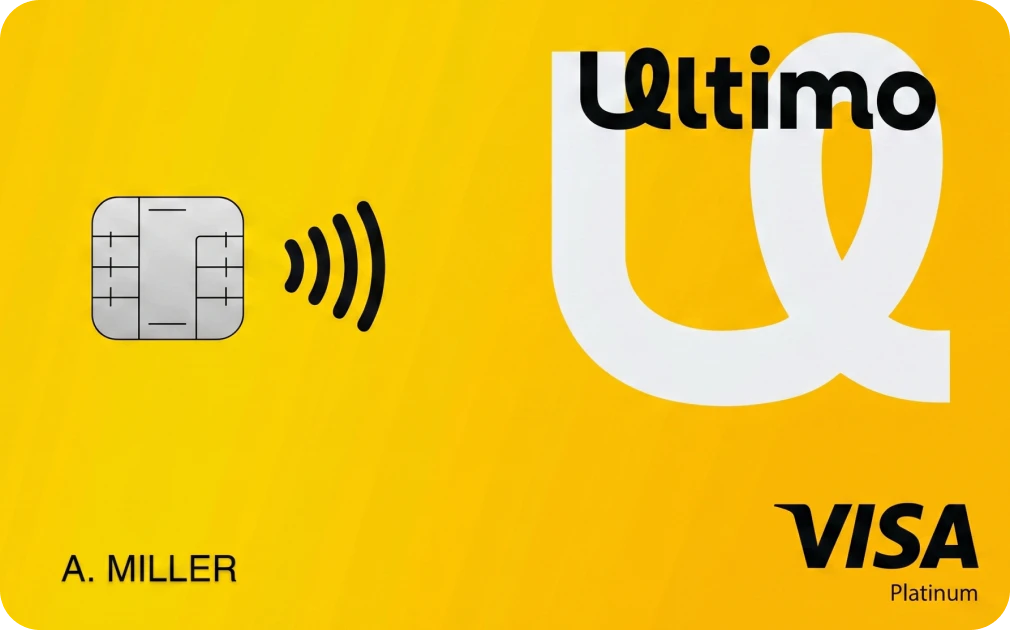
CARD FEATURE OVERVIEW.
CARD NAME
ULTIMOPAY CARD
ADD TO WATCHLIST
REMOVE FROM WATCHLIST
W BONUS
NONE
REG FEE / REQ
$600
CASHBACK
0%
NEED KYC
YES
FX FEE
NOT DISCLOSED
APR / YIELD
YES
CARD TYPE
VIRTUAL AND PHYSICAL CARD
CARD NETWORK


BLOCKCHAIN


REGION

WALLET TYPE
CUSTODIAL
MOBILE PAY
NOT DISCLOSED
BANK TRANSFER
YES
ATM LIMIT
$20,000
DAILY LIMIT
DYNAMIC
GET THE CARD
ULTIMOPAY CARD
| W BONUS | NONE |
|---|---|
| REG FEE / REQ | $600 |
| CASHBACK | 0% |
| NEED KYC | YES |
| FX FEE | NOT DISCLOSED |
| APR / YIELD | YES |
| CARD TYPE | VIRTUAL AND PHYSICAL CARD |
| CARD NETWORK | |
| BLOCKCHAIN | |
| REGION | |
| WALLET TYPE | CUSTODIAL |
| MOBILE PAY | NOT DISCLOSED |
| BANK TRANSFER | YES |
| ATM LIMIT | $20,000 |
| DAILY LIMIT | DYNAMIC |
Last Updated: Sep 28, 2026
REGIONAL AVAILABILITY
CLICK TO VIEW MAP
Available
Restricted
Not Specified
- 0.75% transaction fee applies to ATM and POS transactions.
$600 upfront: $450 bank-account opening fee + $150 initial deposit credited to the bank balance.
$80/year maintenance: $50 bank account + $30 UltimoPay Wallet.
Crypto exchange/loading costs: 3% for delayed loading, up to 4% for same-day loading; these are crypto conversion/loading fees, not FX fees.
THE REAL STORY ON THIS CARD.
PROS
[ STRENGTHS ]
- Visa or UnionPay debit card
- Worldwide issuance advertised
- USD offshore bank account
- BTC and USDT funding
- USDT supports ERC20, TRC20 and BEP20
- No spending limit stated
- $20,000 ATM withdrawal limit
- 0.75% card transaction fee
- 0.75% ATM fee
- Crypto-to-USD conversion and card loading
- 1.5% annual account interest advertised
CONS
[ LIMITATIONS ]
- $600 upfront cost
- $80 annual maintenance fee
- 0.75% merchant transaction fee
- 0.75% ATM fee
- Same-day card loading costs 1%
- $100 replacement fee
- $100 expiration fee
- Exact country whitelist not disclosed
- Cashback not disclosed
- Mobile-pay support not disclosed
- Complete crypto/network list is not consistently disclosed across official pages
- $20,000 ATM limit may vary by country
GENERAL QUESTIONS.
A total of 600 USD is required to issue a debit card. Breakdown: Bank account opening fee: $450 Initial deposit: $150. $150 will be added to the balance of your bank account opened. You can use it as soon as you receive your debit card.
ID Number – Please enter the ID of the card used for identity verification
Passport number for passports, driver’s license number for driver’s license
Issue date –Issuance date of the card used for identity verification
Expiration date – Expiration date for the card used for identity verification
ID Issuer –Country of issue of the card used for identity verification
Address (English) – Please fill in your address
City/Municipality –Please enter the prefecture
Postal code – Please enter your zip code
Cellphone number (country code) – Please enter the country code of the phone number
Cellphone number –Please enter your phone number
Please read the terms and conditions of your Ultimo card, check the agreement and click “Proceed to next step”.
The Ultimo card will be sent to the address you registered here. Therefore, please make sure that there are no mistakes.
4-1. Signature on application documents
You will need to sign the documents required to issue your Ultimo card.
Explains how to digitally sign.
*The following error message may appear when digitally signing with mobile.*
“Please rotate your device horizontally (landscape) in order to sign document!”
If you get this error, turn mobile sideways and proceed.
Follow the instructions on the screen and click “Sign this form using signature pad” to enter your digital signature. Make sure your name, address, etc. are correct, and make sure you have a signature where you need it. The signature must be written in the same language as the name on the card used to verify your identity.
Click “How to sign this form” to find out more about where you need to sign.
For Document 1, you need to sign in two places, top right and bottom left.
4-2. Signature of application document 2
Application Form 2 documents also require a digital signature.
Click “Sign this form using a signature pad” to digitally sign.
A signature is required on the first page of Document 2.
Make sure that the contents of the documents such as your name and ID card number are correct.
The fourth document also requires a signature. Confirm that the digital signature has been entered, and click “Upload and go next” to proceed to the next step.
5. Upload your ID card images and selfie images
The image file to be uploaded must be JPG or PNG.
The image size to be uploaded should be 10MB or less.
When using a passport for identity verification:
1. Image of the place where the passport photo is shown
2. Selfie image with a passport
When using a driver’s license for identity verification:
1. Image of the surface showing you
2. The back of the driver’s license
3. Selfie image with a driver’s license
After uploading the SELFIE image, the documents will be reviewed.
Normally, the review will be completed in a few business days and you will be notified of the review result by email.
“Review your submitted data”
You can check the documents and images you uploaded.
If your document is incomplete, you can start over with “Do it over again?”
6. Payment of card issuance fee
This section describes how to pay the card issuance fee.
Card issuance cost: 600USD
Of the 600 USD, 150 USD will be added to your bank balance.
When paying in BTC or USD, payment will be made from the balance of the Ultimo wallet.
If you pay with BTC, please deposit BTC in your Ultimo wallet.
When paying in USD, please exchange the BTC of the wallet for USD.
BTC deposit method
・ From the sidebar, go to Wallet → Bitcoin → Deposit
・ Send BTC to the displayed BTC address
Select a payment method and click “Accept and pay.”
In the case of BTC, you will be paid $600 worth of BTC.
If you use a credit card, follow the instructions on the screen.
After the payment is completed, the payment details will be sent to the registered email address.
Debit cards usually arrive at the registered address within 10-15 banking days.
The received card can be used for shopping and ATM withdrawals by activating it.
7. Card activation
Did you receive your debit card?
The card will usually arrive at the registered address within 10-15 banking days.
Activation is required to use the card.
Click “Activate your debit card now” to activate your card.
Take a picture with the debit card you received and the ID card you used to verify your identity in one hand.
・ Do not hide your face
・ Take two pictures with one hand
・ Show both debit card and ID card so that they can be read
Please wait on the approval after uploading the image.
The card will be available after the approval is complete.
8. How to use a debit card
You can use it immediately after the card is activated.
Check the PIN code enclosed with the card to use shopping and ATM withdrawals.
This PIN code is the 6-digit number inside the enclosed envelope.
Precautions:
Do not disclose this number to anyone.
Do not write this number on the card.
There is a risk that it will be used if the card is lost.
If you do not know the PIN code, you can reissue it.
Please note that a fee is required for reissuance and it may take some time.
Loan-to-value (LTV) calculation
Loan balance ($) ÷ loan amount ($) = LTV (%)
We will send you a warning email with 70% LTV. Try to bring LTV closer to 50%. If there is no response within 72 hours, the sale of the collateral assets will begin. If the LTV exceeds 80%, some or all of the assets will be forcibly sold.
UltimoPay currently supports BTC and USDT pairs.
UltimoPay is trying to create an environment where cryptocurrencies can be used conveniently. In our service, virtual currency can be used like cash, and it is also possible to make a loan with BTC as collateral.
BTC and USDT (ERC20, TRC20, and BEP20) can be deposited.
We accept only BTC as collateral and lend in USD
The annual maintenance cost is 80 USD (50 USD from bank account, 30 for Ultimopay Wallet).
MORE CRYPTO CARDS.

JUPITER CARD 
CUSTODIAL
SOLANA CARD
VISA INFINITE
UP TO 1.8% FX FEE

COCA CARD
IBAN (EUR/USD)
Up to 8% cashback
50% subscription rebates
MULTI BLOCKCHAIN SUPPORT
NEBEUS CARD
UP TO 2% FX FEE
Orderable globally
Crypto-friendly IBAN
MULTI BLOCKCHAIN SUPPORT

READY CARD
0% FX FEE
IBAN / SWIFT
UP TO 3% CASHBACK
PHYSICAL $120/YEAR