





Loading reviews...
COMPANY detail
EVERSEND Card
One multi-currency app
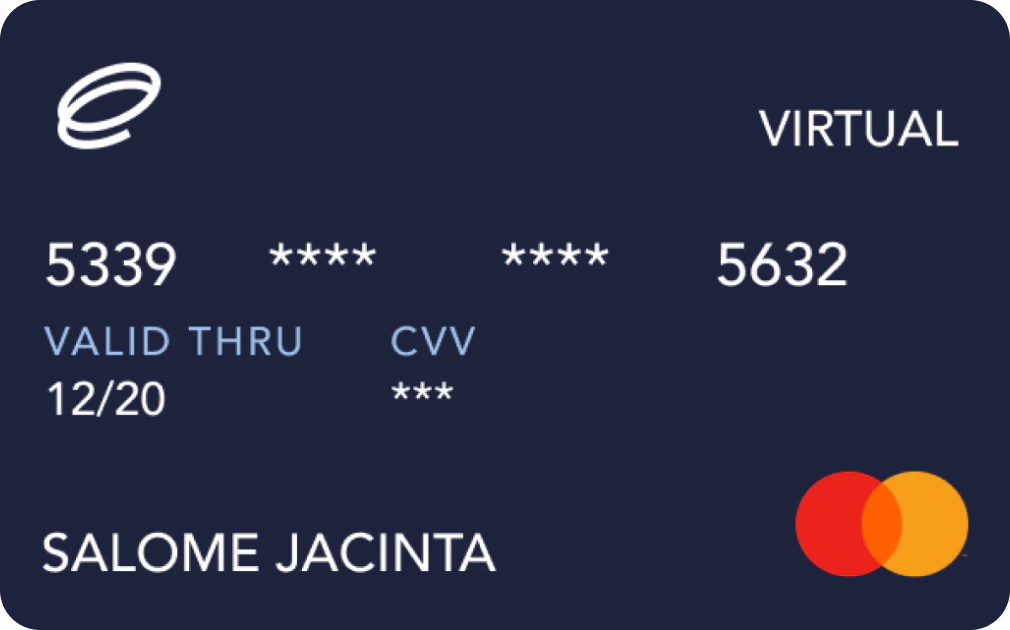
CARD FEATURE OVERVIEW.
CARD NAME
EVERSEND CARD
ADD TO WATCHLIST
REMOVE FROM WATCHLIST
W BONUS
NONE
REG FEE / REQ
$2.99
CASHBACK
0%
NEED KYC
YES
FX FEE
UP TO 3.5%+$0.5
APR / YIELD
NO
CARD TYPE
VIRTUAL CARD
CARD NETWORK

BLOCKCHAIN


REGION

WALLET TYPE
CUSTODIAL
MOBILE PAY
NO
BANK TRANSFER
YES
ATM LIMIT
$0
DAILY LIMIT
NOT DISCLOSED
GET THE CARD
EVERSEND CARD
| W BONUS | NONE |
|---|---|
| REG FEE / REQ | $2.99 |
| CASHBACK | 0% |
| NEED KYC | YES |
| FX FEE | UP TO 3.5%+$0.5 |
| APR / YIELD | NO |
| CARD TYPE | VIRTUAL CARD |
| CARD NETWORK | |
| BLOCKCHAIN | |
| REGION | |
| WALLET TYPE | CUSTODIAL |
| MOBILE PAY | NO |
| BANK TRANSFER | YES |
| ATM LIMIT | $0 |
| DAILY LIMIT | NOT DISCLOSED |
Last Updated: Oct 1, 2026
REGIONAL AVAILABILITY
CLICK TO VIEW MAP
Available
Restricted
Not Specified
- Tiers / plans
Monthly card: $0.99 to create + $0.99 every month.
Lifetime card: $2.99 one-time with no recurring card fee
USD transactions: 0% FX surcharge.
Non-USD transactions: 3.5% + $0.50.
Exception: A USD transaction processed or settled outside the United States may still incur the 3.5% + $0.50 fee.
THE REAL STORY ON THIS CARD.
PROS
[ STRENGTHS ]
- Low-cost virtual Visa card
- $0.99 monthly or $2.99 lifetime option
- 0% surcharge on USD spending
- USDT, USDC and PYUSD funding
- Free card funding
- Free transfers back to Eversend wallet
- Up to 3 virtual cards for personal accounts
- Works with international online merchants
- Freeze and delete cards instantly
CONS
[ LIMITATIONS ]
- Virtual card only
- 3.5% + $0.50 on non-USD / non-US-settled transactions
- $0.40 fee for insufficient-funds declines
- $2,500 maximum per transaction
- $2,500 maximum per top-up attempt
- Apple Pay not supported
- Google Wallet support not guaranteed
- Some countries and merchant categories are restricted
- No fixed cashback rate disclosed
GENERAL QUESTIONS.
$0.99 to create + $0.99/month for the Monthly Plan, OR $2.99 one-time for the Lifetime Plan with no recurring fees.
No. The Eversend Virtual USD Card is digital-only and cannot be used at ATMs or physical POS terminals.
Yes, fund directly with USDT, USDC, or PYUSD. Convert stablecoins to card balance and spend in USD at zero FX surcharge.
Yes, create as many cards as you want. One card per merchant is the recommended approach for security.