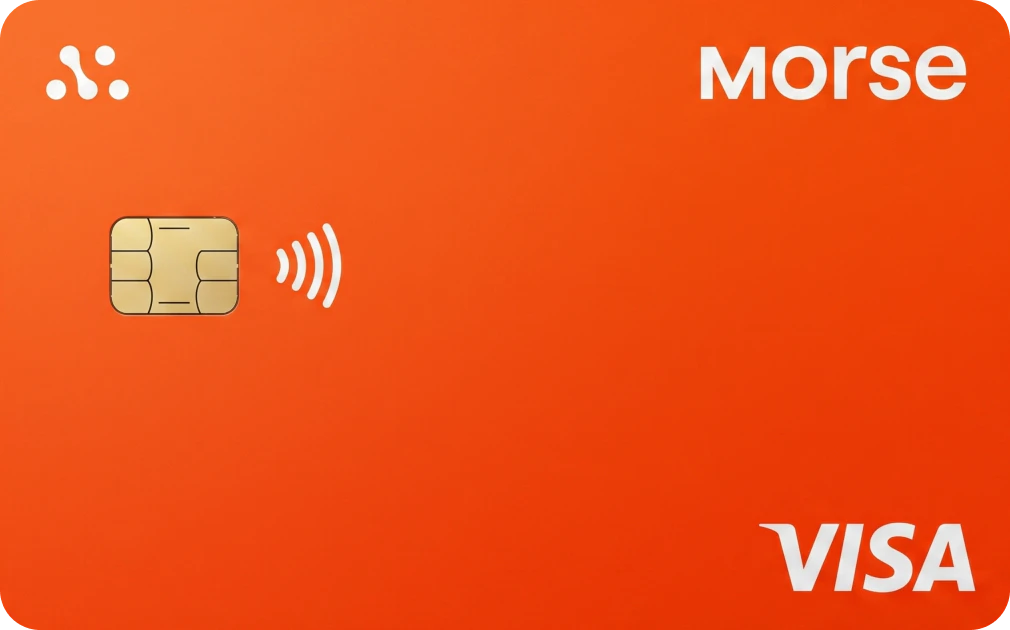
MORSE CARD
CARD FEATURE OVERVIEW.




| W BONUS | NONE |
|---|---|
| REG FEE / REQ | FREE |
| CASHBACK | 1% |
| NEED KYC | YES |
| FX FEE | 0% |
| APR / YIELD | NO |
| CARD TYPE | VIRTUAL AND PHYSICAL CARD |
| CARD NETWORK | |
| BLOCKCHAIN | |
| REGION | |
| WALLET TYPE | NON CUSTODIAL |
| MOBILE PAY | YES |
| BANK TRANSFER | YES |
| ATM LIMIT | $0 |
| DAILY LIMIT | $5,000 |
Solana stablecoins (USDC, EURC, USDG) deposit free and clear in ~2 min, the cheapest way to fund your card.
THE REAL STORY ON THIS CARD.
- MULTI-CURRENCY ACCOUNT DETAILS
- USD, EUR, MXN, BRL AND COP SUPPORT
- 0% FX FEES ON CARD SPENDING
- SELF-CUSTODIAL WALLET
- MULTI-CHAIN CRYPTO DEPOSITS
- CRYPTO CONVERTED TO DIGITAL DOLLARS OR EUROS
- VIRTUAL VISA CARD WITH INSTANT ISSUANCE
- APPLE PAY AND GOOGLE PAY
- BANK TRANSFERS AND DIRECT DEPOSIT
- GET PAID VIA ACH, SEPA AND WIRE
- SEND TO BANK ACCOUNTS IN SUPPORTED COUNTRIES
- MORSE INVEST: 200+ US STOCKS AND ETFs
- NO MONTHLY OR ANNUAL CARD FEES
- NO CARD ISSUANCE FEE
- 1% CASHBACK ON QUALIFYING PURCHASES
- 10% INTRODUCTORY CASHBACK IN SELECT PROMOTIONS
- VIRTUAL CARD ONLY
- NO ATM WITHDRAWALS
- NO PHYSICAL-CARD MERCHANT SUPPORT
- 1% CASHBACK CAPPED AT $100/MONTH
- 10% INTRO OFFER LIMITED TO $40
- CASHBACK AVAILABLE ONLY TO ELIGIBLE USERS
- CASHBACK EXCLUDES CERTAIN MERCHANT CATEGORIES
- $2,000 DAILY SPENDING LIMIT FOR FIRST 30 DAYS
- $5,000 DAILY SPENDING LIMIT AFTER 30 DAYS
- ACCOUNT AND BANK-TRANSFER FEES VARY BY COUNTRY
GENERAL QUESTIONS.
To add money:
Tap ‘+ Add Money’ at the top of your transaction history screen.
Select the amount and currency you wish to add to your Sling Balance.
Choose an existing linked payment method or add a new one
Tap ‘Confirm'
That’s it! The money will appear in your Sling Balance once the transaction is confirmed.
To link a payment method to your Sling Money account:
Tap your avatar at the top left of your screen.
Select ‘Linked payment methods’.
Tap ‘+ Add new payment method’.
Choose the currency you want to move into your Sling Wallet.
Based on the selected currency, you’ll see available payment method options, such as:
Debit card
Bank account
Mobile money wallet
Once your information is verified, your payment method will be added successfully. You can then tap ‘+ Add money’ and use this method to fund your Sling Balance. You can also link a payment method when adding or sending money.
You can manage your linked payment methods anytime in your profile section within the Sling Money app.
How to find your card’s billing address:
Check the address printed on your billing statement.
Log in to your online banking app or web portal to view your card’s billing information.
If you’re still unsure, contact your bank’s customer service for confirmation.
Understanding display currency vs. payment method currency
When you link a payment method to Sling Money, you’ll be asked to select the currency of that account, which will be set as the payment method currency.
When you send someone money, you can choose a display currency, which will be shown in the transaction feed for both yourself and your recipient. However, Sling Money will always charge your payment method in the payment method's currency, even if the display currency for the transaction is different.
You can change the currency of a payment method at any time in your settings, if you'd like to be charged in a different currency.
Sling Money allows you to transfer supported stablecoins to and from external (non-Sling) wallets on the Solana blockchain. This allows people in countries where Sling Money doesn't support deposits/withdrawls to bank accounts to still participate in the Sling Money ecosystem.
Supported blockchains and stablecoins
Sling Money supports the Solana Blockchain and the USDP, USDC, and EURC stablecoins.
Transfers of unsupported stablecoins, or transfers sent via unsupported blockchains, will result in lost funds.
MORE CRYPTO CARDS.
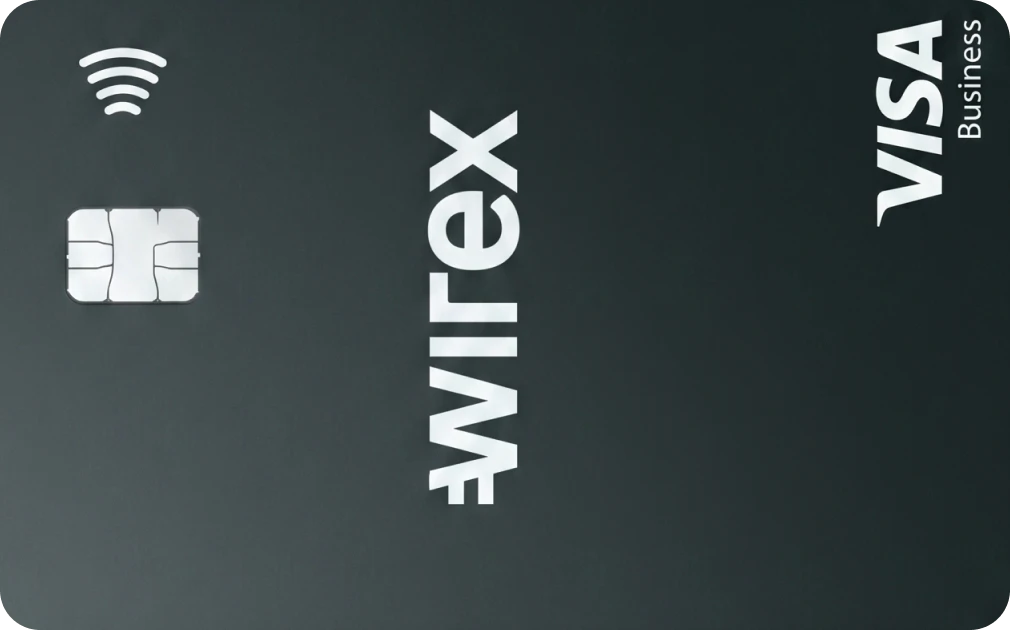
WIREX DEBIT CARD 
GATE CARD
BLEAP CARD