COINJAR card
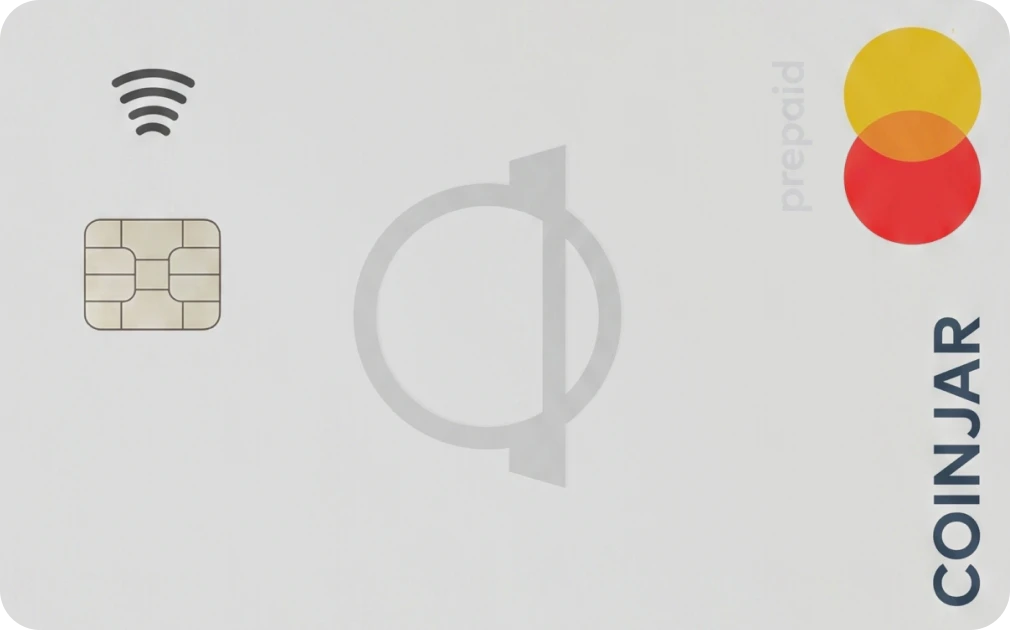
CARD FEATURE OVERVIEW.






| W BONUS | NONE |
|---|---|
| REG FEE / REQ | FREE |
| CASHBACK | 0% |
| NEED KYC | YES |
| FX FEE | UP TO 2.99% |
| APR / YIELD | NO |
| CARD TYPE | VIRTUAL AND PHYSICAL CARD |
| CARD NETWORK | |
| BLOCKCHAIN | |
| REGION | |
| WALLET TYPE | CUSTODIAL |
| MOBILE PAY | YES |
| BANK TRANSFER | YES |
| ATM LIMIT | $1,000 |
| DAILY LIMIT | $5,000 |
Earns 1 Reward point per $1 spent; points can offset trading fees or be redeemed in Rewards Store.
Maximum daily spend: $5,000 or 25 transactions (whichever comes first).
Daily ATM withdrawal: $1,000 max across 5 withdrawals, counts toward daily spend limit.
THE REAL STORY ON THIS CARD.
- Free card issuance (no setup fee)
- No monthly fees
- Supports 60+ cryptocurrencies
- Apple Pay and Google Pay supported
- Established exchange (since 2013)
- Available in multiple regions
- 2.99%+ foreign transaction fee
- Custodial wallet
- No cashback (rewards points only)
- Limited regions only
- 1% ATM withdrawal fee
- Requires full KYC
GENERAL QUESTIONS.
For each $1 you spend you’ll earn 1 CoinJar Rewards point. Points can be used to cover the cost of future trades or redeemed in the CoinJar Rewards Store.
Download the App: Get the CoinJar app from the iOS and/or Android store
Sign Up: Open the app and select 'Sign Up' to begin creating your CoinJar.
Enter Your Email: Provide your email address
Review Terms: Read through CoinJar's Terms of Service and Privacy Policy.
Agree to Terms: If you agree, select 'Agree.'
Provide Your Details: Enter your first name, last name, and set a secure password.
Activate Your Account: After submitting your details, you'll receive an email with an activation link. Click this link to activate your account. If you do not confirm your account within 24 hours, your data will be deleted and you will need to sign up again.
Sign In: Log in to your CoinJar and choose your CoinJar username.
CoinJar allows its customers with individual accounts to deposit US Dollars (USD) to fund their transactions using Wire transfer.
Deposits using Wire transfer typically arrive within 1-3 business days and attract a $20 deposit fee.
How to make a deposit using Wire Transfer
Select the Deposit button from the Home screen.
Select Deposit Cash.
Select Wire Transfer.
Select Expand All.
When requested by your bank, provide your Wire details as displayed in your mobile app.
Once the deposit is received and credited to your CoinJar, your receipt will have a status of Complete and you will receive an email confirmation.
MORE CRYPTO CARDS.
ETHERFI CASH CARD 

TUYO CARD
BITGET WALLET CARD