


Loading reviews...
COMPANY detail
offramp Card
Global money, local freedom

CARD FEATURE OVERVIEW.
CARD NAME
OFFRAMP CARD
ADD TO WATCHLIST
REMOVE FROM WATCHLIST
W BONUS
NONE
REG FEE / REQ
FREE
CASHBACK
0%
NEED KYC
YES
FX FEE
UP TO 1%+$0.30
APR / YIELD
NO
CARD TYPE
VIRTUAL AND PHYSICAL CARD
CARD NETWORK

BLOCKCHAIN


REGION


WALLET TYPE
NON CUSTODIAL
MOBILE PAY
YES
BANK TRANSFER
YES
ATM LIMIT
$750
DAILY LIMIT
$10,000
GET THE CARD
OFFRAMP CARD
| W BONUS | NONE |
|---|---|
| REG FEE / REQ | FREE |
| CASHBACK | 0% |
| NEED KYC | YES |
| FX FEE | UP TO 1%+$0.30 |
| APR / YIELD | NO |
| CARD TYPE | VIRTUAL AND PHYSICAL CARD |
| CARD NETWORK | |
| BLOCKCHAIN | |
| REGION | |
| WALLET TYPE | NON CUSTODIAL |
| MOBILE PAY | YES |
| BANK TRANSFER | YES |
| ATM LIMIT | $750 |
| DAILY LIMIT | $10,000 |
Last Updated: Jul 1, 2026
REGIONAL AVAILABILITY
CLICK TO VIEW MAP
Available
Restricted
Not Specified
THE REAL STORY ON THIS CARD.
PROS
[ STRENGTHS ]
- No monthly/annual fees
- Self-custodial friendly
- ACH & SEPA accounts
- Apple Pay / Google Pay
- SUPPORT MULTIPLE REGIONS
- free virtual card (first one)
- no crypto deposit/withdrawal fees from Offramp itself
CONS
[ LIMITATIONS ]
- Physical card shipping cost ~$100
- NO CASHBACK
- Charges 1.5% FX fee for non-USD spending
- 2% ATM withdrawal fee.
- Designed mainly around USDC/USDT
GENERAL QUESTIONS.
You can easily fund your account with both crypto and fiat.
Crypto Deposits
We support top-ups from a wide range of wallets (like MetaMask, Rabby and Phantom) and exchanges (like Binance, Uniswap and Coinbase).
You can deposit assets from any of the following major chains:
- Ethereum
- Base
- Arbitrum
- Optimism
- Polygon
- BNB Chain
- Mode
- Solana
More networks are coming soon!
Fiat Deposits
You can fund your account with US Dollars via traditional bank transfers. For specific instructions, please refer to the 'Add Funds' section in your account dashboard.
Once your Physical Card is delivered, you must activate it before you can start using it. Activation only takes a few steps.
To activate your Physical Card
Log in to your Offramp account.
Go to the Physical Card tab.
Tap Activate
Enter the last 4 digits of your Physical card and the expiry date.
Set your new 4-digit PIN.
Great! Your card is now active and ready to use.
You can order your Physical Offramp Card directly through the mobile app or the web platform. This guide walks you through the complete ordering process, from submitting your request to tracking your delivery.
Step 1: Log in to Your Offramp Account
Step 2: Go to Card > Physical Card section
Step 3: Click Order for $70 to begin your request.
Step 4: Enter Your Delivery Address.
Your delivery details will be pre-filled from your KYC information, but you can change the shipping address before placing your order.
Make sure the address is complete and accurate before proceeding.
Step 5: Review the Cost and Confirm your order. The card order can be paid using your existing Offramp Virtual Card. Tap Confirm to complete the payment.
Step 6: After your payment is successfully processed:
Your card order will be submitted accordingly.
The status of your Physical Card will update to “Order in Progress.”
Once the card ships, you will receive a tracking email from DHL.
Step 7: After receiving your physical card, you must activate it before use.
MORE CRYPTO CARDS.
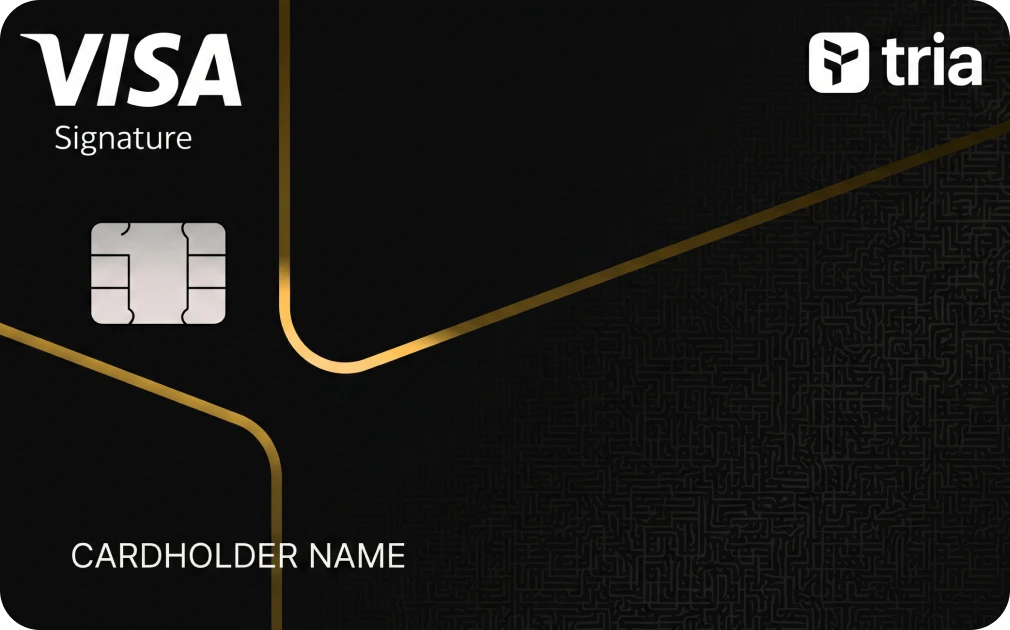
TRIA CARD 
Self-custodial
US bank accounts
Up to 8% cashback
Tria Travel access

READY CARD
0% FX FEE
IBAN / SWIFT
UP TO 3% CASHBACK
PHYSICAL $120/YEAR
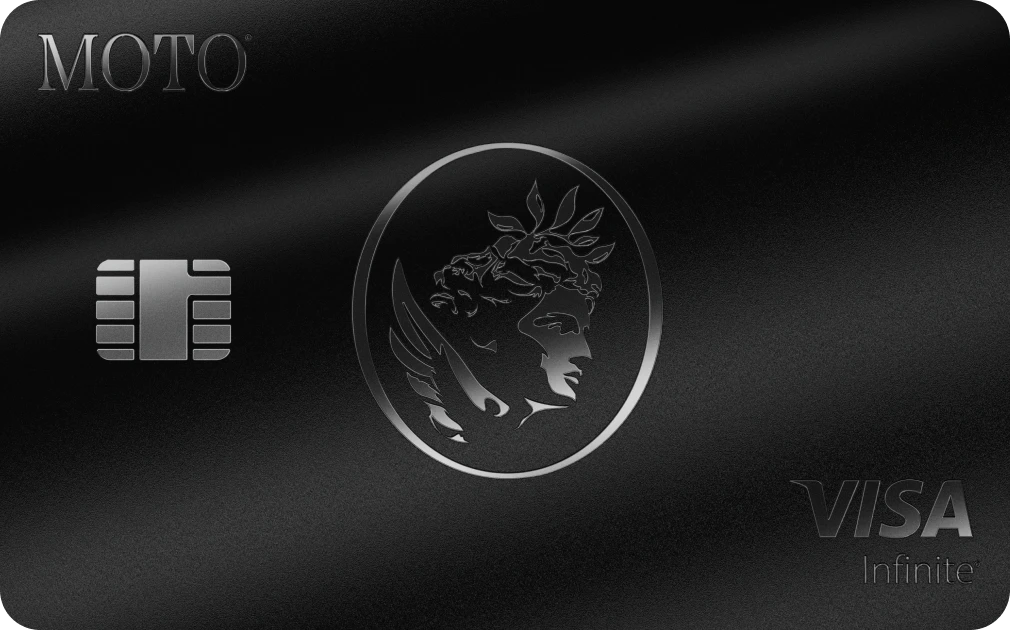
MOTO CARD
Non-Custodial
Solana-Native Credit
Visa Infinite Luxury Perks

RIZON CARD
UP TO 2.5% CASHBACK
UNLIMITED CARD SPEND
FX FEE: UP TO 1.7%+$0.1
AVAILABLE IN USA & LATAM